7 Lyric Video Makers Perfect For Beginners

Lyric videos have emerged as one of the most efficient ways to market music, interact with fans, and create hype before the launch of an official music video.
As an independent artist, content creator, or simply a person who enjoys combining words with pictures, lyric videos provide a great creative and cost-effective outlet.
The best part? You don’t have to be a skilled video editor with access to expensive software to create your own lyric video.
Thanks to the latest online tools, it has never been easier for beginners to create professional-looking lyric videos in a matter of clicks. These platforms offer all the necessary features to make video editing a breeze, and they are free from the technicalities that once made video editing a daunting task.
If you’re ready to turn your song into an engaging visual experience, here are seven lyric video makers that are perfect for beginners and will help you bring your music to life quickly and easily.
1. Promo
Promo is a professional and easy-to-use lyric video maker that helps users create professional marketing videos, such as lyric videos. The unique feature of Promo is its huge collection of high-quality stock videos and templates. Newbies can easily select a template, upload their song, and begin adding lyrics using animated text effects.
The drag-and-drop editor makes it easy, and its music-oriented tools enable you to assign lyrics to particular time stamps. Promo is ideal for artists who want to create cinematic visuals without actually shooting anything.
The fact that it’s cloud-based means that you won’t need to download any heavy software. For newbies who want a professional and promotional look, Promo is a great place to begin.
2. Animaker
Animaker is well-known for its animated video creation tools, making it a fun option for lyric videos with personality. If you want your lyrics to appear alongside animated characters, backgrounds, or motion graphics, Animaker makes it easy. The interface is straightforward, and users can build scenes by dragging elements into place.
For beginners, Animaker offers pre-built templates that can be customized with your own text and music. The timeline feature allows you to sync lyrics precisely with your audio track. It’s particularly appealing for creators who want a colorful, cartoon-style lyric video rather than a traditional cinematic one.
Because everything runs online, you can experiment freely without worrying about complicated editing software.
3. VEED.io
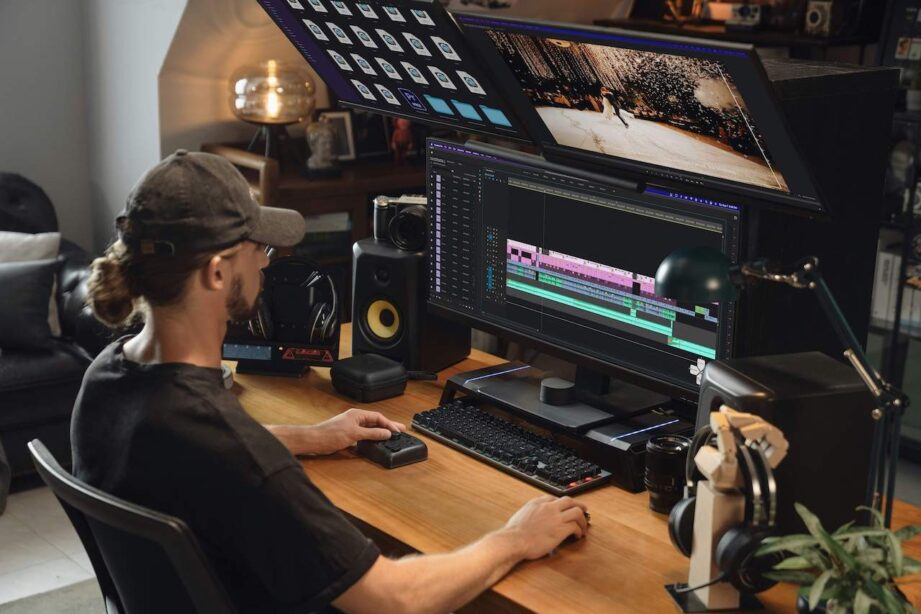
VEED.io is an online video editor that is renowned for its simplicity and clean interface. It is most suitable for beginners who are seeking a simple lyric video without many features. After uploading your music file, you can easily add text overlays and synchronize them with VEED.io’s timeline video editor.
One of the most amazing features of this software is the automatic subtitle creation feature that will help you add lyrics to your video faster. You can then change the fonts, colors, and animations depending on the mood of your song. VEED.io is an online software that can be accessed from almost any device.
4. Kapwing
Kapwing is an all-around online content creation tool that is very beginner-friendly. Kapwing offers a clean environment for editing where you can upload your audio, set background visuals, and add lyric text in a matter of a few clicks. The software is very user-friendly, so you don’t have to be an expert editor to use it.
On top of that, Kapwing also has auto-subtitle features that you can edit to create lyric-style text. You can manage animations, placement, and transitions to make your video dynamic.
5. Canva
Canva is known to be a graphic design software, but it also has strong video editing features that can be employed for making lyric videos. This software is also suitable for beginners due to its drag-and-drop functionality and large template gallery.
That said, you can start with a video template and later customize it to add your song and animated lyrics.
6. CapCut
CapCut has received immense popularity among video creators for its mobile editing features. It was primarily intended for short videos, but it performs well for lyric videos as well. You can upload your song, place text overlays, and use dynamic animations right from their mobile or computer app.
Additionally, CapCut offers a range of cool text effects and transitions, making it perfect for social media platforms like TikTok and Instagram. CapCut’s timeline editor enables accurate lyric synchronization, and its automatic caption feature helps expedite the process.
7. FlexClip
FlexClip is another online video editor that is easy to use and makes creating a lyric video easy. It offers a variety of templates specifically designed for music and promotional videos. You can upload your song, pick a theme, and begin adding animated lyrics immediately.
The software has a clean and intuitive interface that is easy to use, even for a first-timer. FlexClip also includes a library of videos and images you can add to your video to make it more engaging.
Wrapping Up
Making a lyric video is not a complex process that requires professional editing knowledge or expensive production software. With new platforms like Promo, Animaker, VEED.io, Kapwing, Canva, CapCut, and FlexClip, beginners can now easily turn their songs into engaging visuals within a few hours.
Likewise, each of these platforms has its own set of benefits, depending on whether you want to make an animated video, use cinematic stock footage, or something social media-optimized.
The trick is to pick the platform that best suits your artistic needs and expertise. As the importance of lyric videos in music marketing remains high, it is essential to have the right tools.