
MagSafe IPhone 17 Pro case choices and magnet strength
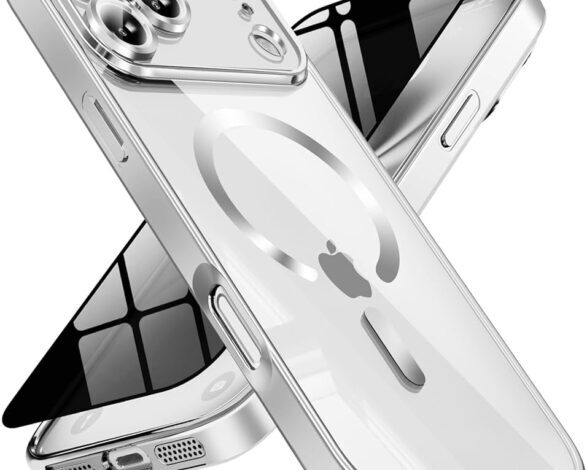
If you’ve ever had a MagSafe wallet slowly creep downward in your pocket, or watched your phone rotate on a car mount at the first speed bump, you already understand the problem this guide is trying to solve. MagSafe can feel rock-solid, almost satisfying. Or it can feel “fine,” which is the polite way of saying you don’t quite trust it.
This cluster article is here to help you pick a MagSafe iPhone 17 Pro case that actually behaves the way you expect, in real life: charging that stays aligned, mounts that don’t wobble, and accessories that don’t detach when you grab your phone one-handed.
And yes, I’m going to say this upfront: you don’t need the thickest case on earth to get good MagSafe performance. But you do need the right kind of case. Thickness, materials, magnet layout, and even tiny gaps from debris can change the experience more than most product pages admit.
If you want the big picture first, our pillar guide to the best iphone 17 pro cases is the starting point. This article is the “zoom in” for people who care about magnets.
What MagSafe is actually doing (in plain English)
Apple’s own support documentation describes MagSafe chargers and battery packs as snapping to the back of iPhone (or a MagSafe case) and using magnets to ensure proper alignment for wireless charging. It also notes that you can hold and use your iPhone while it’s charging, which is the entire appeal when everything is working correctly.
That “alignment” part matters more than it sounds. Wireless charging is picky. If the coils aren’t lined up well, you can get slower charging, more heat, or charging that starts and stops when you bump the phone.
On the iPhone 17 Pro specifically, Apple’s tech specs list MagSafe wireless charging up to 25W and also mention Qi2 wireless charging up to 25W. In the same section, Apple lists a “magnet array,” an “alignment magnet,” and “Accessory Identification NFC,” which is a nice reminder that MagSafe is both charging and an accessory-attachment system.
“MagSafe compatible” vs “MagSafe strong”
Here’s the uncomfortable truth: a lot of cases are technically MagSafe compatible because they include magnets. That doesn’t guarantee they have strong magnets, well-positioned magnets, or magnets that play nicely with your specific accessories.
So when someone tells me, “This case is MagSafe,” my follow-up is basically, “Cool. Does it stay put?” That’s the difference between compatibility and confidence.
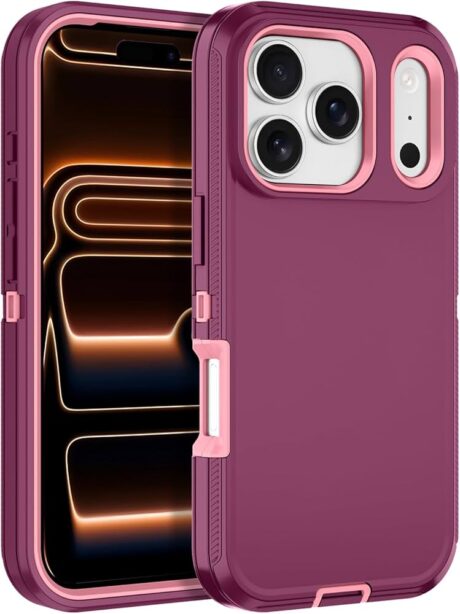
Signs a case is truly MagSafe strong
- It “snaps” into place and you can feel it center itself, not just vaguely cling.
- A wallet doesn’t slide around when the phone goes in and out of a pocket.
- A car mount doesn’t let the phone rotate from vibration or road texture.
- Charging doesn’t feel finicky; you set it down and it just works.
And to be fair, you can sometimes get this from a budget case. You can also miss it with an expensive one. Price helps, but it’s not a guarantee.
Quick “real-world tests” you can do in two minutes
I like simple tests because they match how you actually use your phone. No special gear required, and no pretending you live in a controlled lab.
The wallet tug test
Attach your MagSafe wallet (or any magnetic accessory) and gently tug it sideways, then downward. If it shifts easily, it’s going to shift at the worst times too. Not always on day one, but eventually.
The mount shake test
If you use a car mount, attach the phone and lightly tap the phone from the side and bottom. You’re looking for rotation and creep. A good MagSafe case should resist that casual “bump” energy without feeling like you’re relying on luck.
The charging alignment test
Set your phone onto your MagSafe charger and then slide it a few millimeters. A strong setup tends to “pull” back into the aligned spot. A weak setup just sort of sits there, slightly off-center, pretending everything is fine.
Apple’s support guidance also reminds you to remove a wallet before charging in some situations. That’s not a case flaw, exactly, but it’s a real-life detail that matters if you’re trying to build a frictionless MagSafe routine.
Case factors that change MagSafe performance
This is the part most shopping guides rush through. But if you understand the mechanics, you buy fewer cases. Or at least you buy the right second one.
1) Case thickness and material stiffness
Thicker isn’t always worse. Sometimes thicker gives magnets more “structure” to bite into. But thickness can also increase the distance between the magnets and the accessory, and distance is the enemy of magnet strength.
Stiffness matters too. A very flexible case can allow tiny shifts that turn into bigger shifts. You might not notice it at your desk, but you’ll notice it in a moving car or when you’re walking with your phone and wallet attached.
2) Magnet layout and alignment
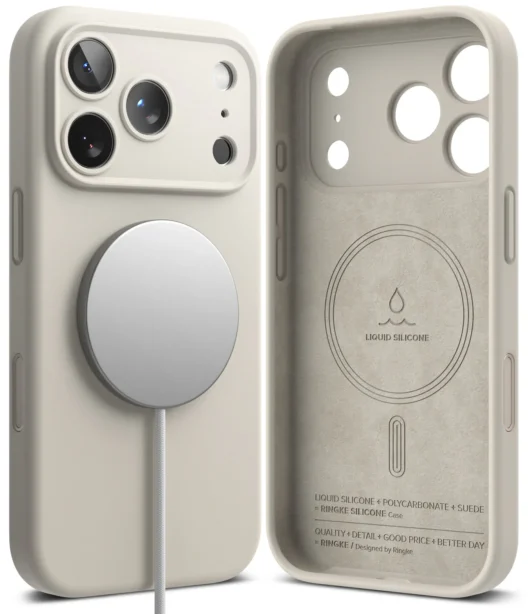
Even if the magnets are strong, they need to be in the right place. Apple describes MagSafe as using magnets for proper alignment. That implies something important: the system isn’t just “magnet somewhere on the back.” It’s a specific alignment relationship between the accessory and the phone.
If your case’s magnet ring is slightly off, your charger may still stick, but alignment can be less consistent. That’s when people start blaming the charger, the cable, or “wireless charging in general,” when the real issue is the case.
3) Surface cleanliness (yes, really)
This one sounds almost silly, but it’s not. A tiny piece of grit between the case and the charger can create a micro-gap. That micro-gap becomes less magnet strength, worse coil alignment, and more wobble. If your MagSafe experience gets worse over time, cleaning your case back and your accessories is a surprisingly good first step.
Buying guidance by use case
Different MagSafe setups fail in different ways. So rather than forcing one “best” answer, I’d rather match your case choice to how you actually live.
If you use a MagSafe wallet daily
Prioritize magnet strength over everything else. This is where “compatible” isn’t enough, because wallets are a constant friction test: pockets, jeans, bags, the occasional snag. If you want a broader shortlist beyond just MagSafe, the best iphone 17 pro cases guide is useful because it frames the other trade-offs too (grip, bulk, buttons).
If you use a MagSafe car mount
You care about rotation resistance, not just detachment. A mount might never drop your phone, but it can still become annoying if the phone constantly tilts or pivots. In that scenario, slightly more rigid cases often feel more stable.
Also, don’t ignore heat. In a hot car, wireless charging plus navigation plus sunlight can turn any setup into a worst-case scenario. A case that’s too insulating can make that worse.
If you mostly charge on a stand at your desk or bedside
Then alignment and repeatability matter most. You want to place the phone one-handed and have it land in the right spot every time. Apple’s support documentation emphasizes that magnets ensure proper alignment, which is exactly the experience you should be getting when your case and charger are well matched.
Qi2, Qi2 chargers, and what to do with that information
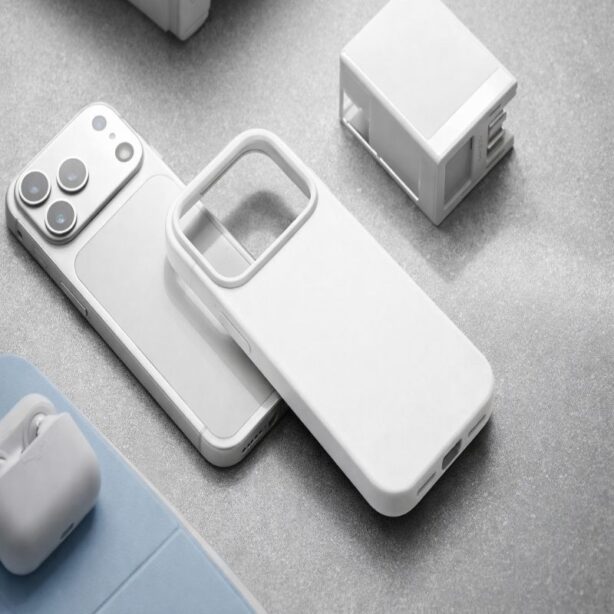
Qi2 is often discussed like it’s a separate universe from MagSafe, but conceptually it’s pointing in the same direction: better alignment and more consistent wireless charging. Apple lists Qi2 wireless charging support in iPhone 17 Pro tech specs, right alongside MagSafe support. In practice, that means you can build a charging setup that works well even if you aren’t buying only Apple-branded chargers.
Still, I’d keep your expectations grounded. “Supports Qi2” doesn’t automatically mean every Qi2 accessory will behave identically with every case. Cases can still introduce alignment or thickness issues.
Common MagSafe problems (and fixes that don’t waste your money)
Problem: My MagSafe wallet slides
- Try a different case first if the current case has weak magnets; it’s often the main culprit.
- Clean the case back and wallet surface; small debris can reduce grip and magnetic contact.
- Consider whether your wallet is overloaded; extra thickness can shift the center of mass.
Problem: Charging feels inconsistent
- Remove any wallet before charging (Apple explicitly notes this behavior in its MagSafe guidance).
- Check if your case is unusually thick or very soft; both can hurt alignment.
- Test without the case once. If charging becomes instantly reliable, you have your answer.
Problem: My phone rotates on a mount
- Try a more rigid case; flex can translate into rotation under vibration.
- Make sure the mount surface is clean and flat; a tiny wobble becomes a lot in a moving car.
- If you want a deeper “which is better, rugged or slim” perspective, this is where our rugged vs slim iPhone 17 Pro cases breakdown can help clarify the trade-offs.
A short shortlist: what I’d personally prioritize
If I had to reduce this to a few practical rules, they’d be these:
- If you attach accessories daily, buy a case that feels confidently magnetic, not just “works.”
- Don’t treat wireless charging issues as “wireless charging is bad” until you test without the case.
- Keep the surfaces clean; it’s boring, but it helps.
- If you want a clear case, accept that you might trade a bit of rigidity for aesthetics, and be deliberate about it. Our guide to clear iPhone 17 Pro cases and how to avoid yellowing goes deeper on what clear materials do well and what they don’t.
Final thought: magnet strength is a daily-experience feature
People talk about MagSafe like it’s a nice bonus. I think that’s outdated. If you charge wirelessly, use a wallet, or rely on a mount, magnet strength becomes a daily-experience feature. It changes how frictionless your phone feels.
When you’re ready to pick a case based on the bigger picture—not just magnets—go back to the best iphone 17 pro cases pillar. But if MagSafe is your deal-breaker, hopefully this article saved you a few frustrating purchases.